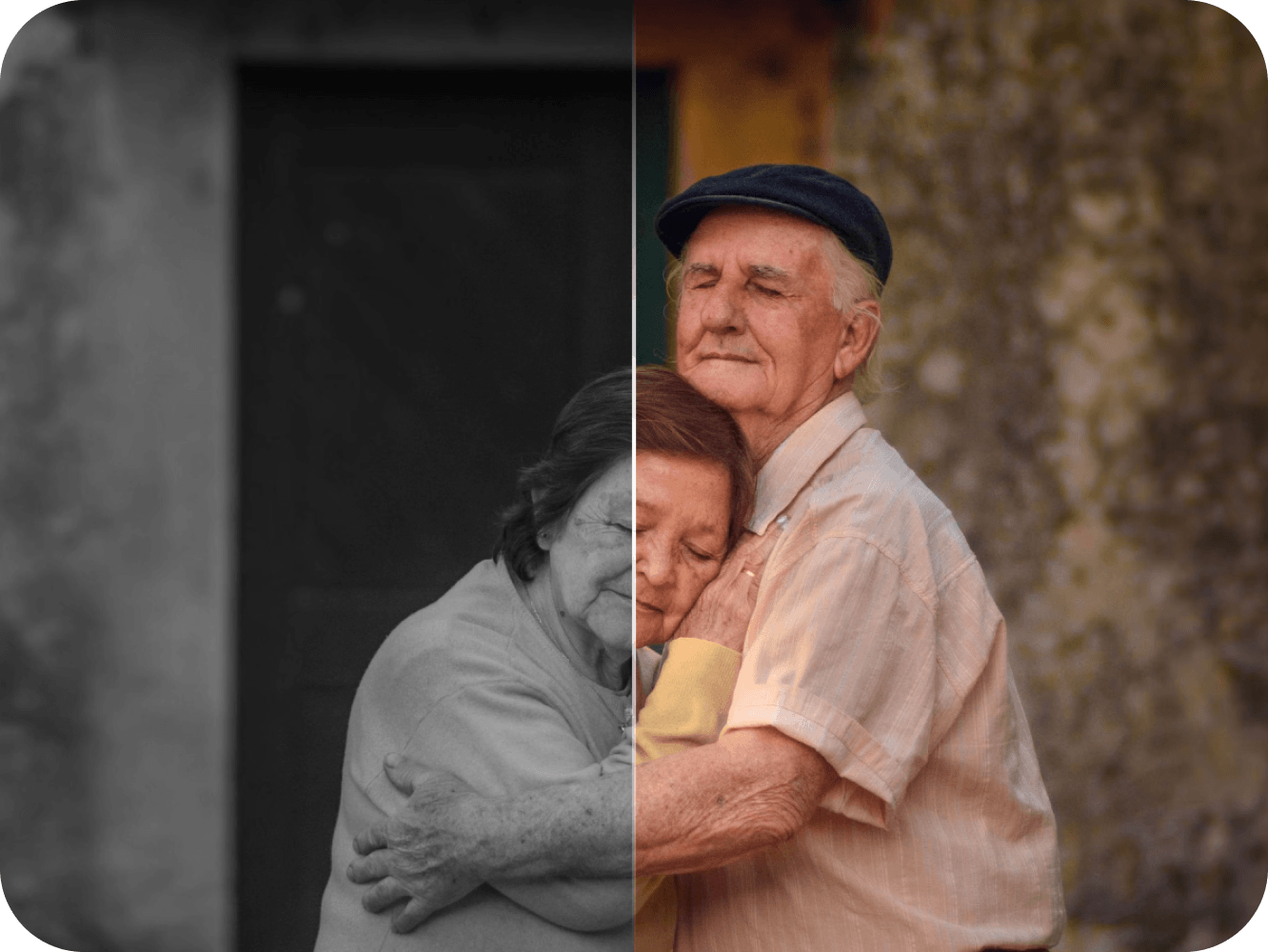
 BeforeAfter
Colorize
Turn black & white photos into natural, vivid color — and see your family as they truly were.
Try ColorizeEvery memory deserves to shine again
Restore, colorize and enhance your treasured family photos — with simple, senior-friendly AI. No editing skills needed. Just pick a photo and let AI do the rest
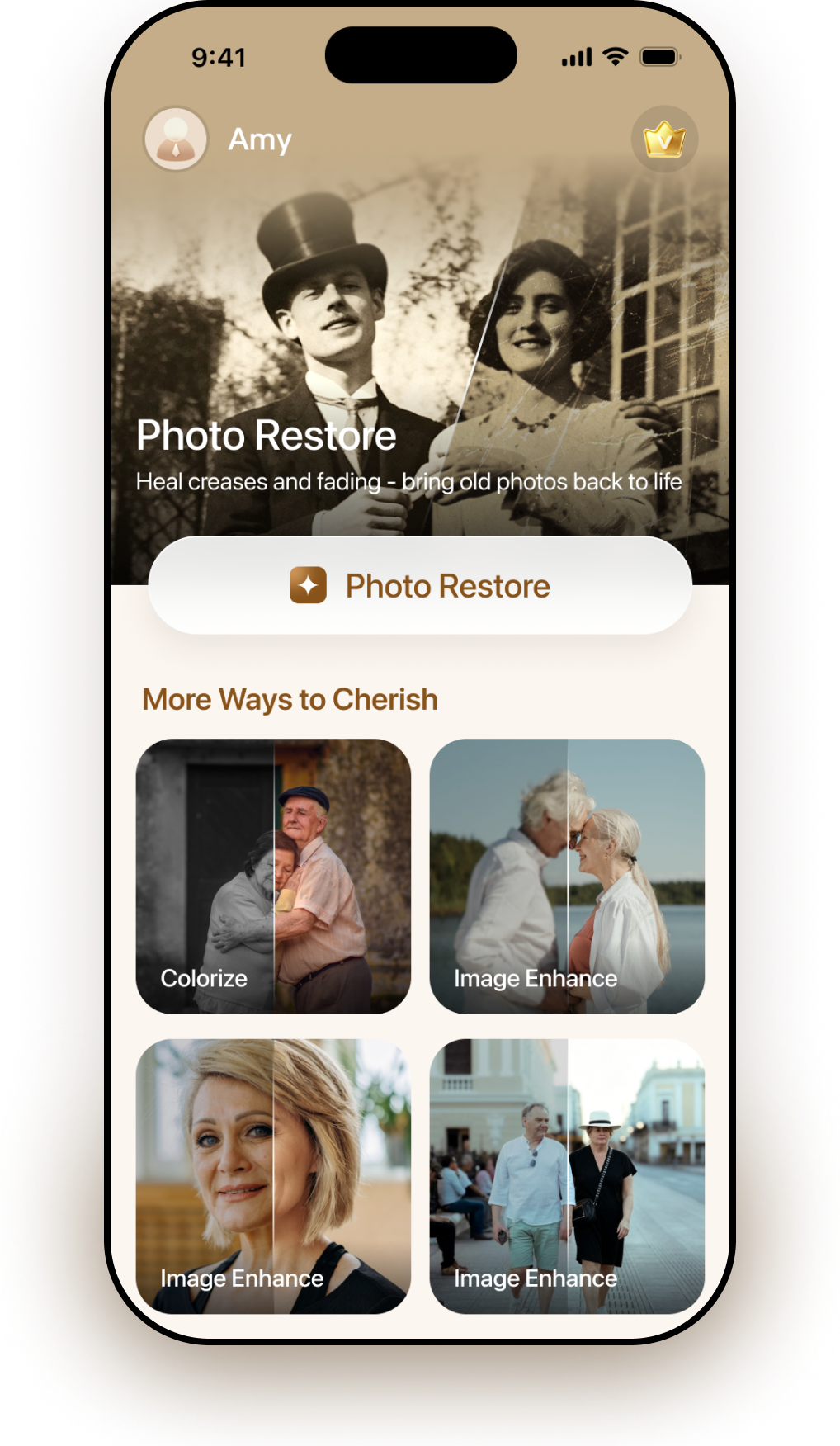
Powerful AI tools
6
To restore any photo
1 tap
Try free in your browser
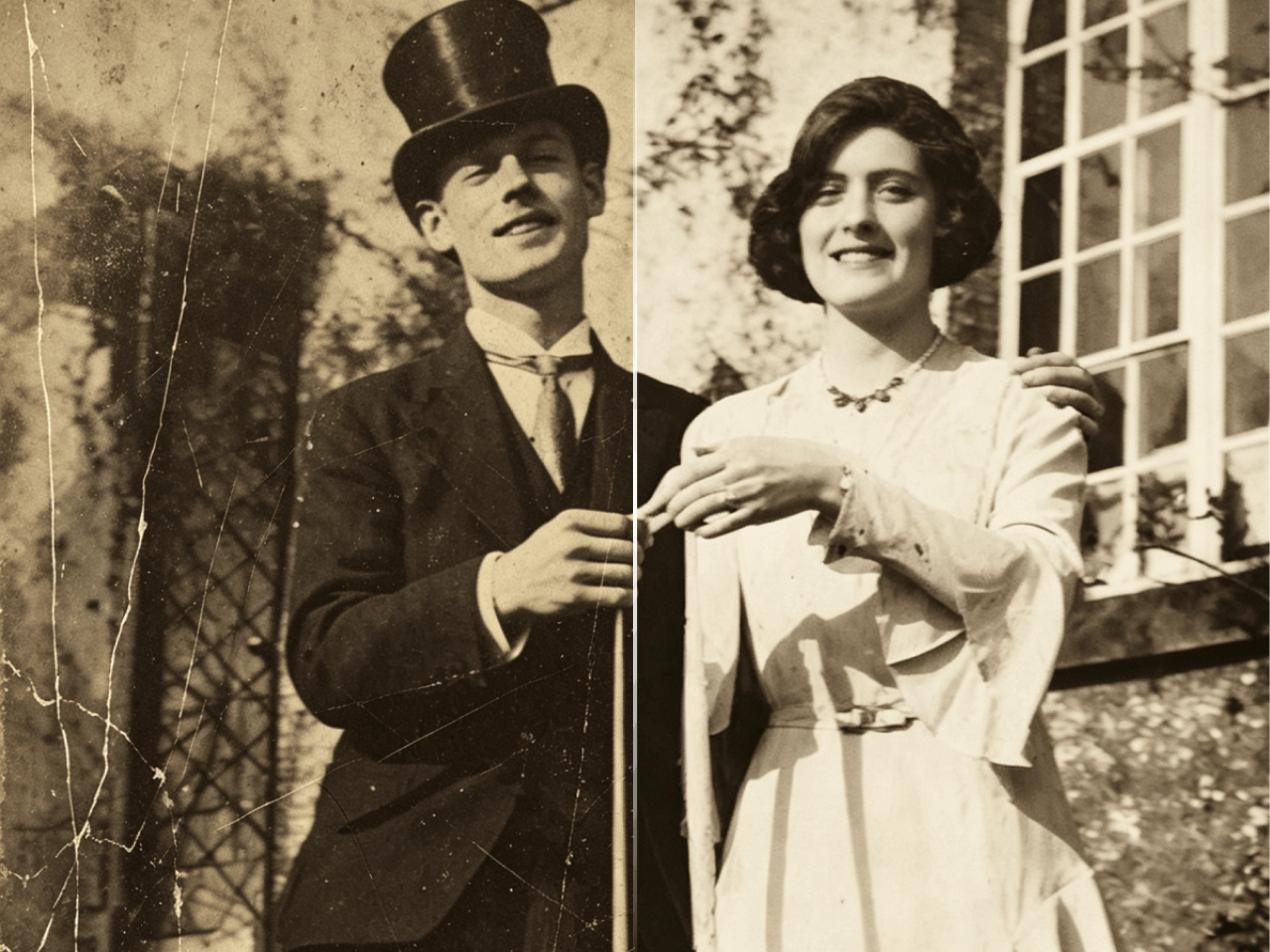 BeforeAfter
Heal cracks, scratches and fading. Bring damaged old photos back to life with a single tap
Colorize, enhance, retouch, erase distractions, or reinvent a portrait — each with a one-tap result
BeforeAfterTurn black & white photos into natural, vivid color — and see your family as they truly were.
Try Colorize BeforeAfter
Sharpen details, lift shadows and revive clarity so every face and moment looks its best.
Try Enhance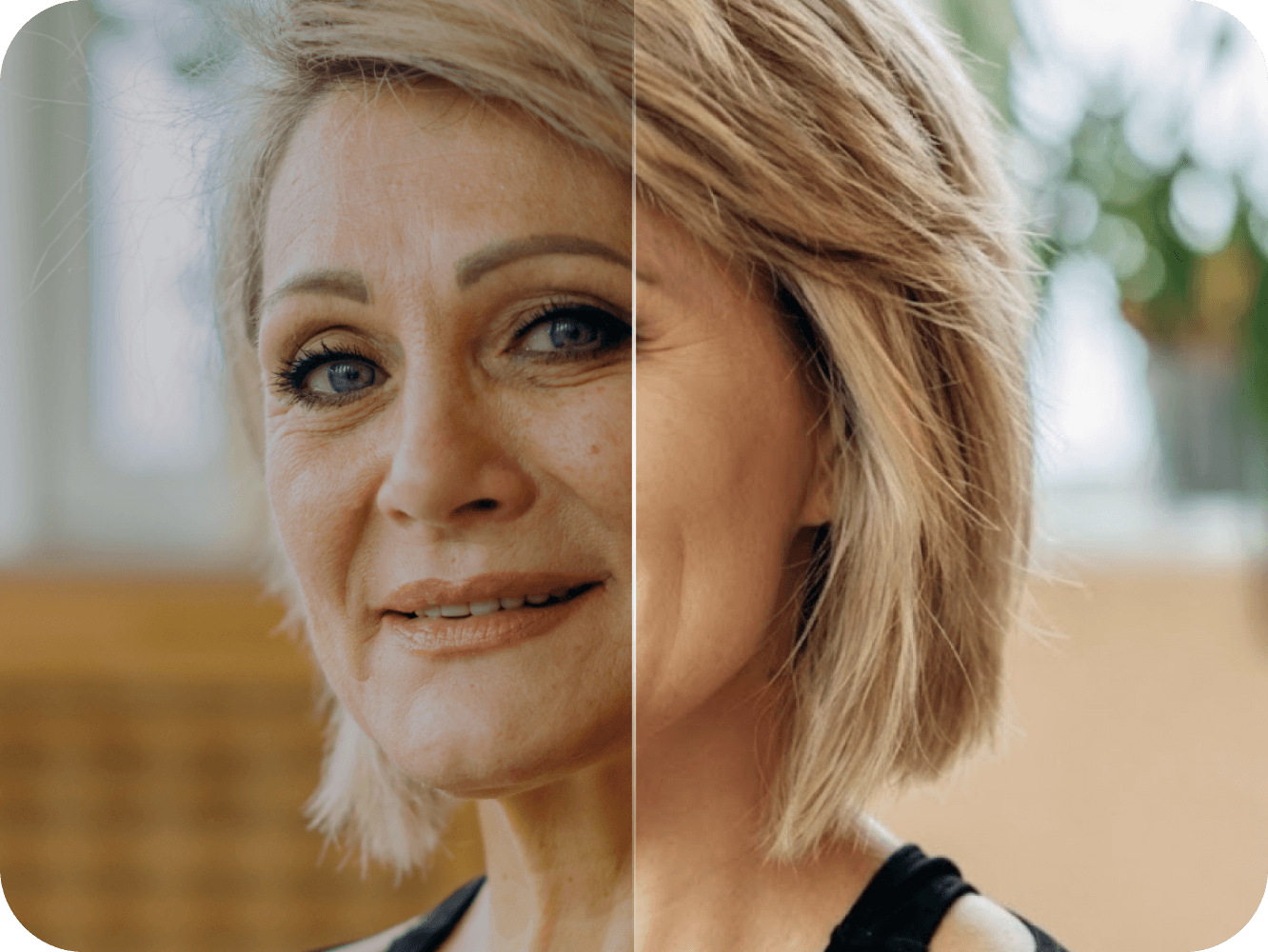 BeforeAfter
Gentle retouching that keeps skin natural — polish portraits without the plastic look.
Try Beauty BeforeAfter
Remove distractions and unwanted objects so the people you love stay center stage.
Try Magic Eraser
Reimagine a portrait with a new outfit — keep the person, refresh the look in one tap.
Try Outfit ChangeDress up in Bavarian style for the fest
Restore, colorize, enhance, retouch, erase, or change an outfit — all one-tap. No tedious editing steps
Choose Photo Restore, Colorize, Enhance, Beauty, Eraser, or Outfit Change — same simple path for all six
Add a photo and tap once. Memoro AI handles the work — no sliders, masks, or multi-step edits
Keep the finished photo in your Gallery, ready to download, print, or share with family
Thoughtfully designed to be easy, respectful and private

Large, calm buttons and clear typography. A gentle, guided flow anyone can follow

Your photos are never used to train AI, and are automatically deleted from the cloud within 24 hours

Choose a photo, tap Generate, and save. Beautiful results without the learning curve
Bring your most precious memories back to life. Free to try on iPhone and Android. Memoro Plus follows your account on every device
Prefer the browser? Try Memoro on web →